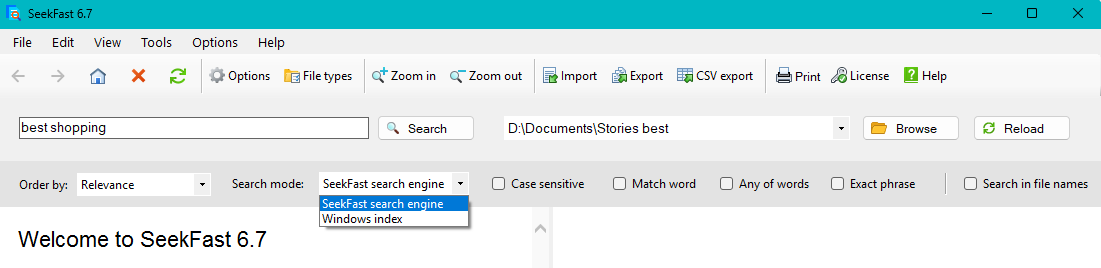
Start searching in seconds
Welcome to SeekFast
The home screen gives you quick access to the main search tools and helps you start a new search right away.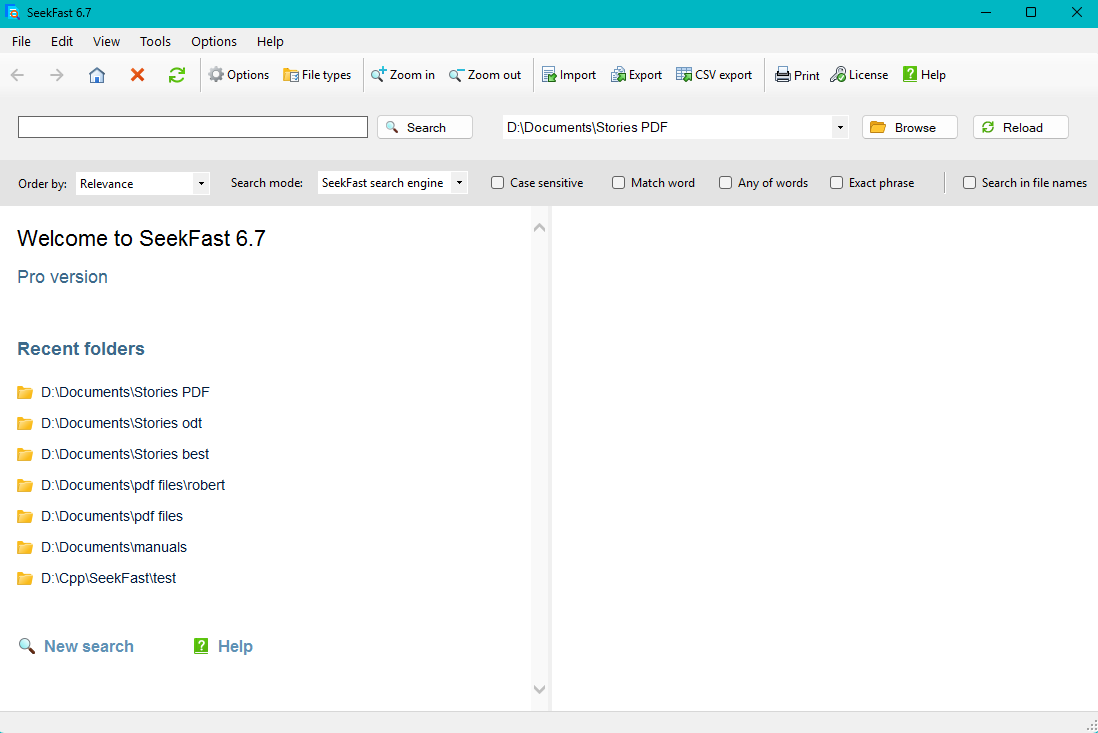
Choose a folder to search
Select a folder from within SeekFast and start searching its files and subfolders.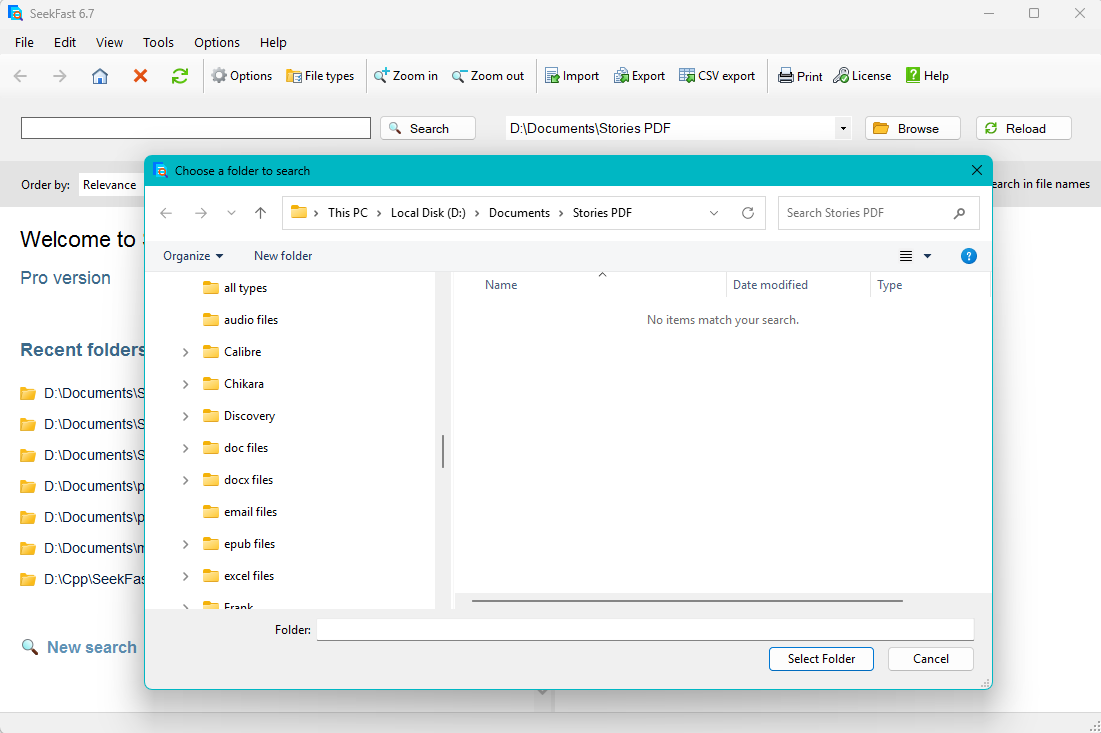
Search the same folders again instantly
SeekFast remembers folders you have already searched, so you can reopen them quickly and continue working without starting from scratch.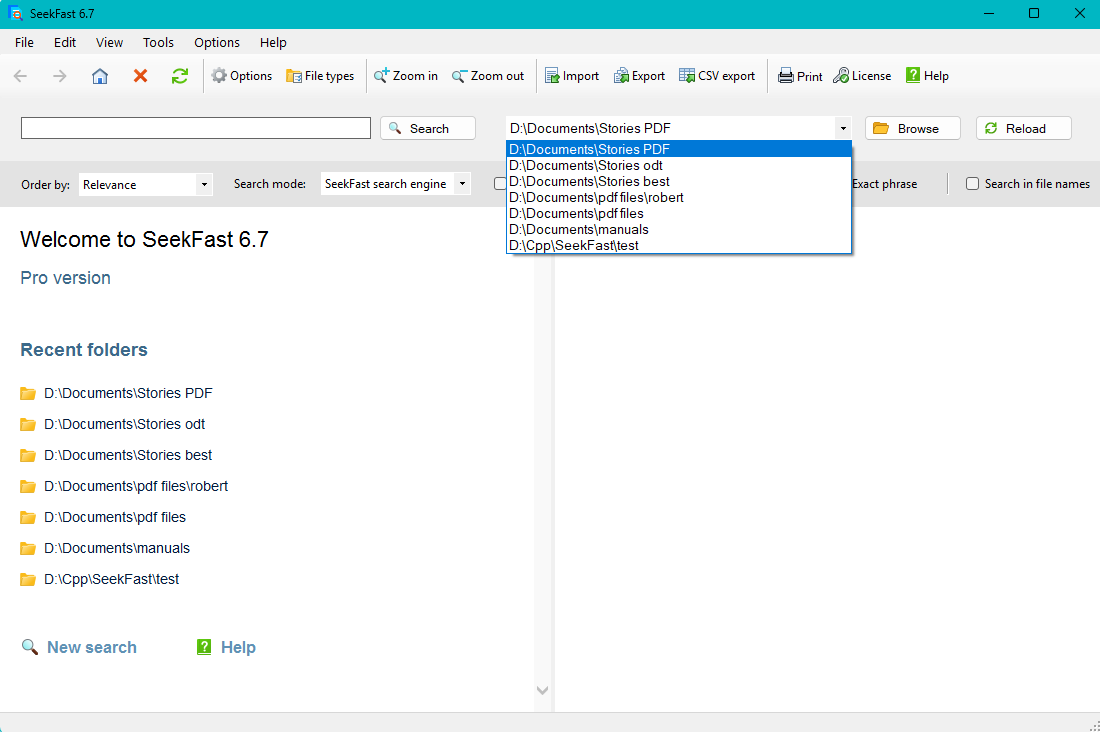
Find the right result faster
Get the most relevant results instantly
Enter your search words and see the best matches first, grouped by file for easier review.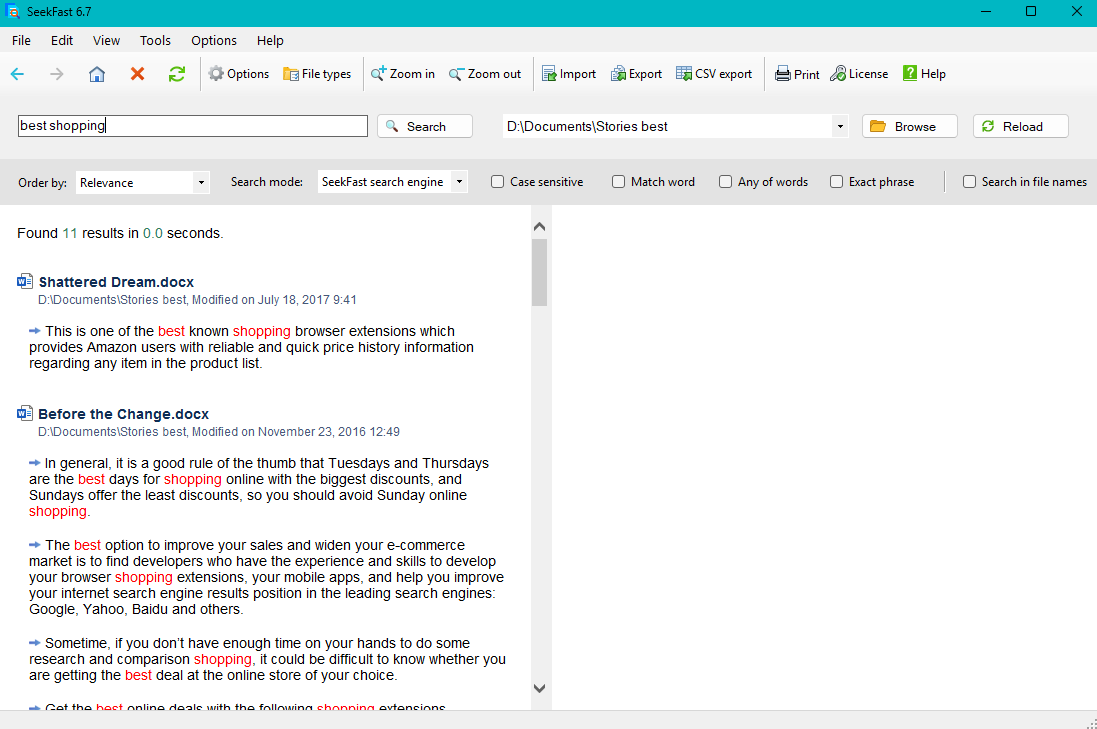
Open the file or containing folder with one click
When you find the right result, open the document immediately or go straight to its folder.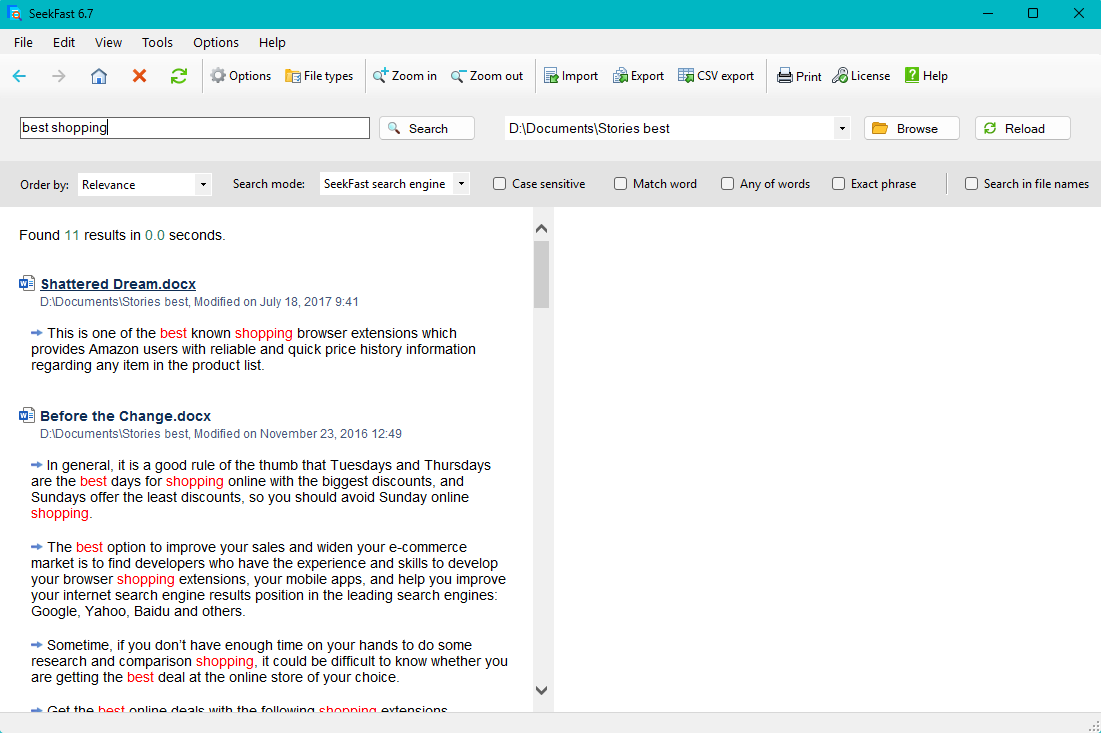
Read more of the text without opening the file
Expand a result to view a larger part of the text and find the information you need without leaving SeekFast.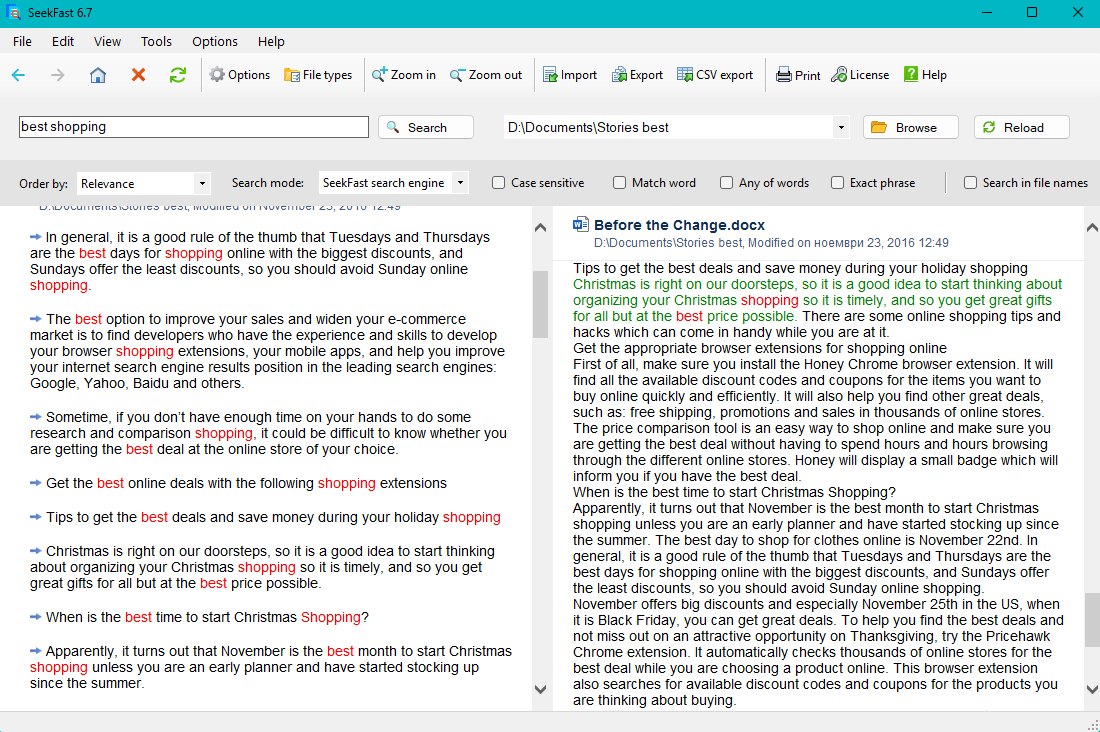
Work faster with advanced tools
Launch SeekFast directly from File Explorer
Right-click any folder in File Explorer and open it in SeekFast instantly.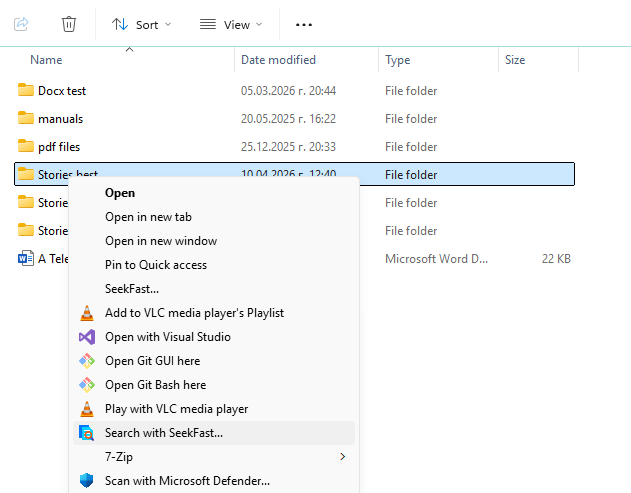
Open Options to fine-tune the program
Adjust how SeekFast works to match your workflow and search preferences.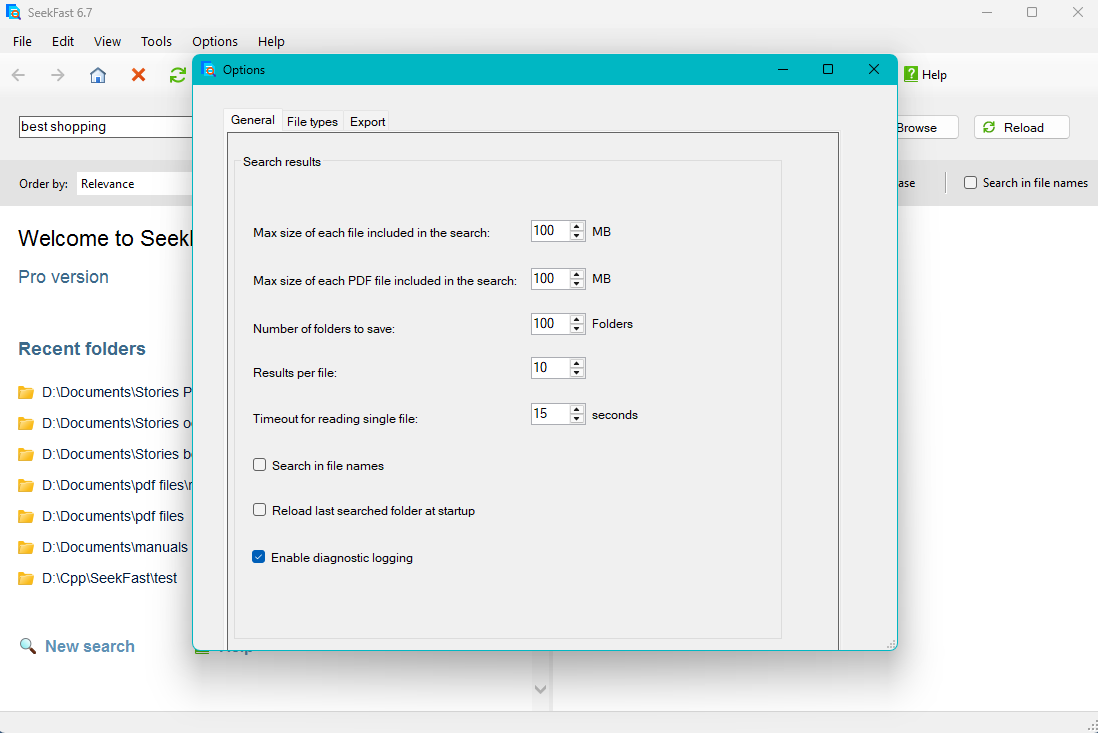
Limit the search to selected file types
Include only the file formats you want to search for faster and more focused results.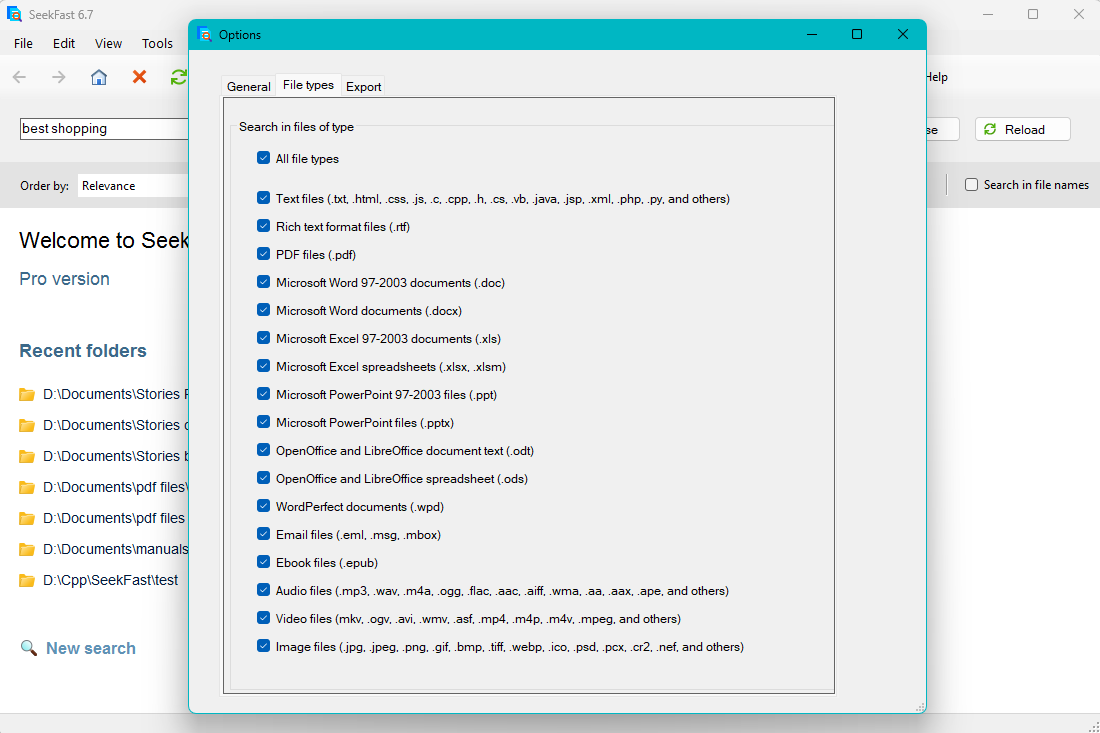
Refine the search with advanced options
Control result display, search mode, and other settings that help you search more efficiently.